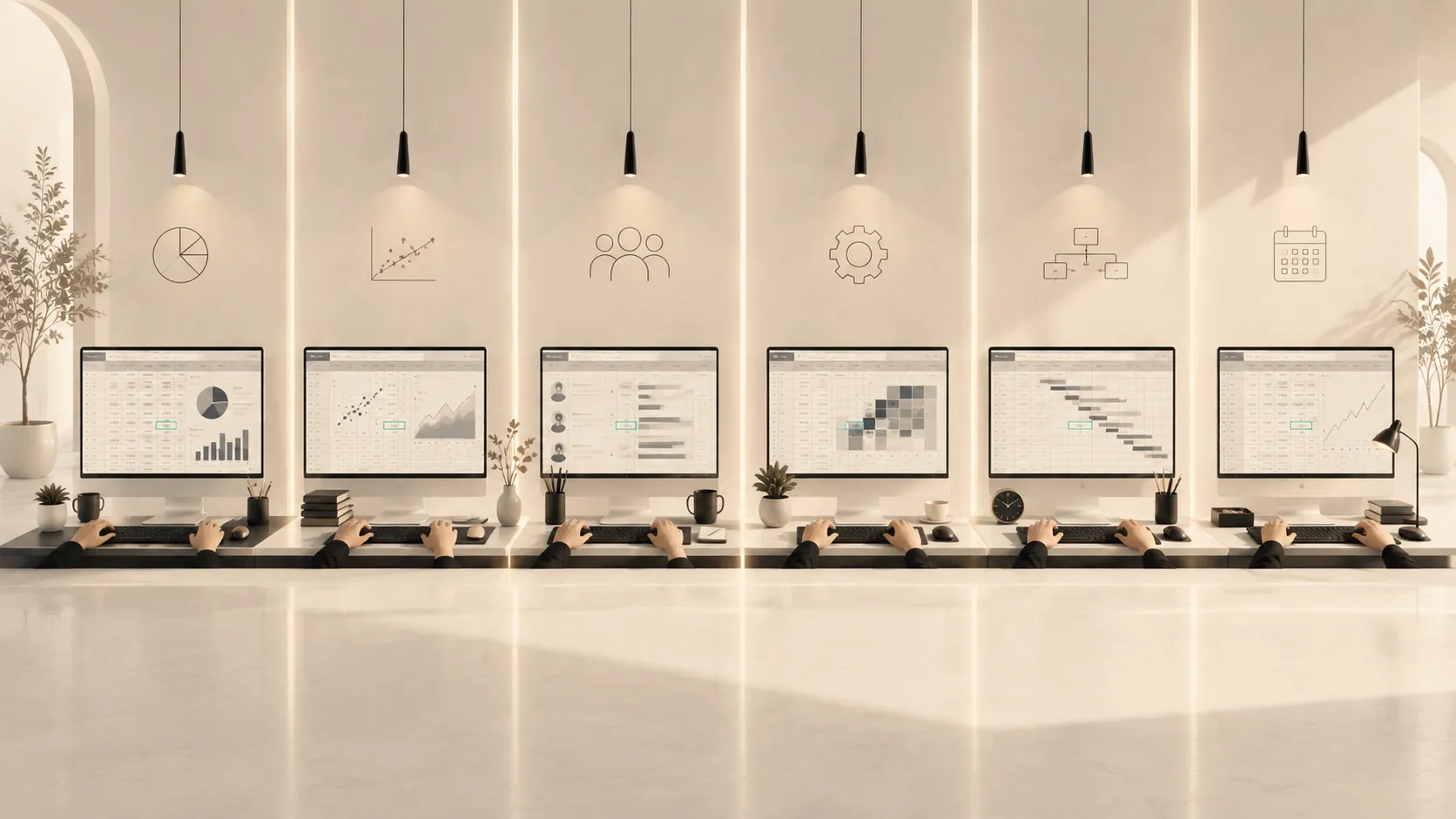
A spreadsheet sits open on six desks: a budget on one, research data on another, recruitment figures elsewhere, and a project plan at the end of the row. Across the room, different professional tasks draw on the same technological capability.
Technological Practical Skills are action capabilities involved in using tools, platforms, systems, software, equipment and technical environments. They give technological use its own visible place within the Unified Skills Map.
The capability may be stated broadly or specifically: use spreadsheet software; use Excel; use data-visualisation tools; use Power BI; use CAD software; use AutoCAD; use generative-AI tools; use ChatGPT. Each formulation can legitimately identify a Technological Practical Skill. The appropriate resolution depends on the purpose of the claim.
Broader digital-competence frameworks cover a larger territory. DigComp 3.0 combines knowledge, skills and attitudes for life, work, learning and social participation, while UNESCO’s student framework brings together AI techniques and applications with human agency, ethics and system design (Cosgrove and Cachia, 2025; Miao, Shiohira and Lao, 2024). Within the Unified Skills Map, the relevant classificatory question is direct: what technology can the person use in practice?
From technology to capability
A software name can identify the technological territory of a capability. “Excel” becomes clearer as “use Excel” because the verb makes its practical nature explicit. Evidence then shows what the person can accomplish within that environment.
Access, repeated exposure and confidence provide useful context, while the capability claim itself concerns observable technological use. A person may work inside a supplied spreadsheet every day while remaining dependent on its existing structure. Building formulas, connecting data sources, diagnosing errors and preparing a file that colleagues can safely reuse demonstrate a different range of use. Everyday familiarity alone cannot establish which capability is present.
Research on digital competence repeatedly encounters this measurement problem. Reviews find considerable variation in how digital competence is defined and assessed, with self-report instruments remaining common despite their limited ability to establish performance directly (Zhao, Pinto Llorente and Sánchez Gómez, 2021; Nguyen and Habók, 2024).
Operating a spreadsheet, querying a database, modelling in CAD, editing video, configuring a project platform or working with a generative-AI system are practical capabilities because they require action within a technological environment and produce observable evidence of use.
One capability, many professional tasks
Spreadsheet capability may be mobilised in finance, research, operations, human resources, marketing or project management. The user may calculate a forecast, clean survey data, schedule production, analyse recruitment figures or monitor campaign performance. These tasks differ professionally while drawing on a recognisable technological capability.
A cash-flow forecast makes the architecture visible:
One cash-flow forecast
Using Excel
Technological Practical Skill
Building the cash-flow forecast
Specific Practical Skill
Understanding financial principles
Conceptual Knowledge
Understanding the organisation and market
Contextual Knowledge
The separation is analytical. Using Excel remains a legitimate capability claim about technological use, while the other claims identify what the person does and understands within the same performance. A credible forecast may require all four.
CAD follows the same logic. Using AutoCAD can support architectural drafting, engineering documentation, construction coordination or facilities work. Designing a load-bearing component belongs to specialised engineering practice. Operating the software remains a substantial capability with its own learning demands and evidence.
AI offers another instance. Using ChatGPT may support document analysis, coding, ideation, drafting or workflow design. The Technological Practical Skill concerns interaction with the system and use of its functions. The professional action keeps its own classification, with relevant knowledge and judgement considered separately. UNESCO’s framework illustrates why wider AI competence can contain several kinds of claim at once, including application skills, conceptual understanding and human-centred responsibilities (Miao, Shiohira and Lao, 2024).
The right level of granularity
Technological Practical Skills can be described at the level needed for the decision.
“Use spreadsheet software” may suit a broad curriculum, development programme or capability profile. “Use Excel” may suit a role where the organisation has standardised its work around that product. “Use Power BI” can be appropriate when a team needs capability in a defined visualisation environment.
The Unified Skills Map imposes no universal resolution. Broad descriptions can travel across products, while product-level claims become useful when compatibility, workflow or organisational practice makes a specific environment consequential. Both remain Technological Practical Skills.
The useful level of granularity depends on the decision being supported. The same technological territory may therefore be expressed differently across a curriculum, role profile, assessment or credential.
Transfer within a technological family
The same technological capability can travel across professional tasks because the environment remains familiar while the purpose and content change. An experienced Excel user entering a new department may encounter different data, terminology and decisions, yet formulas, references, tables, filters, data cleaning and workbook organisation remain available resources.
Partial transfer may also occur between related tools. Excel and Google Sheets share many spreadsheet conventions. Power BI and Tableau both involve data connection, visual encoding and interactive reporting. AutoCAD experience can provide a starting point for another CAD environment when interface patterns and commands overlap with shared geometric concepts.
Excel
Google Sheets
In commonSpreadsheet conventions
Power BI
Tableau
In commonData connection, visual encoding, interactive reporting
AutoCAD
Another CAD environment
In commonInterface patterns, commands, geometric concepts
Overlap between environments can reduce part of the learning burden, although product-specific functions, workflows, permissions and conventions still require adaptation. HCI research has long connected interface consistency with transfer across applications, while recent work on application switching shows that knowledge workers routinely combine several tools and learn how their functions fit together (Myers, Hudson and Pausch, 2000; Jahanlou et al., 2023).
Prior technological capability supplies usable patterns. Their value in a new environment depends on the degree of functional, conceptual and interface overlap.
Assess the technological use
Assessment should place the person inside the relevant tool, system or environment and ask for performance aligned with the capability statement.
A claim such as “use Excel to organise and analyse tabular data” may be assessed through importing a dataset, correcting its structure, applying formulas, creating a useful summary and handling an introduced error. A claim such as “use AutoCAD” requires direct work in the software. The task should expose the operations relevant to the intended resolution, including navigation, command selection, file organisation, modification and output production.
A professional task can provide an authentic setting while keeping technological use analytically visible. In the cash-flow example, assessors may examine the financial model and the use of Excel through related but distinct criteria. One artefact can support several inferences when the evidence for each remains traceable.
Recent assessment research supports this alignment. Seifert and Lindmeier developed a performance-based assessment in which pre-service mathematics teachers worked with computer algebra, dynamic geometry and spreadsheet tools; relationships between observed scores and self-assessment were mixed. Nguyen and Habók’s review similarly found that performance-based approaches were rare compared with self-evaluation and called for more authentic, interactive assessment (Seifert and Lindmeier, 2024; Nguyen and Habók, 2024).
The breadth of the evidence should match the capability claim. Broad technological use may require several representative tasks, while a product-specific claim requires performance in that product. Sampling different applications of the same tool can test the mobility of the technological capability without allowing the surrounding professional task to become the sole object of judgement.
Technology deserves its own place
Modern work is saturated with tools, yet technological capability often disappears inside the professional task or is reduced to an unexplained software list. The Unified Skills Map gives it a distinct location.
Using Excel, Power BI, AutoCAD or ChatGPT can be a Technological Practical Skill. The claim may name one product, a family of tools or a wider technical environment. It can travel across professional tasks and transfer partially to related technologies.
Once technological use becomes visible as capability, its development can be planned and its evidence assessed on its own terms while remaining part of integrated professional performance.